

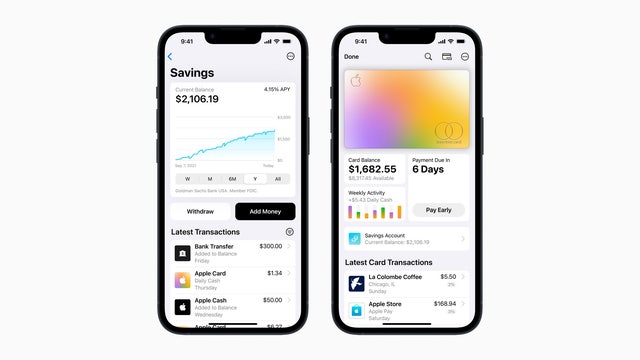

Apple unveils high-yield savings account for Apple Card holders
According to Apple, the card offers an annual percentage yield (APY) of 4.15% – more than 10 times the national average.
According to Apple, the card offers an annual percentage yield (APY) of 4.15% – more than 10 times the national average.

Apple Card unveils high-yield savings account, offering 4.15% interest rate | LiveNOW from FOX
Apple Card users can now grow their money with a savings account from Goldman Sachs, which offers a high-yield APY of 4.15 percent. That?s more than 10 times the national average, with no fees, no minimum deposits, and no minimum balance requirements. Personal finance expert David Ragland spoke with LiveNOW's Andrew Craft about the new savings account from Apple Card and if it will change the way people spend and save their money. More LiveNOW from FOX streaming video
Apple Card users can now grow their money with a savings account from Goldman Sachs, which offers a high-yield APY of 4.15 percent. That?s more than 10 times the national average, with no fees, no minimum deposits, and no minimum balance requirements. Personal finance expert David Ragland spoke with LiveNOW's Andrew Craft about the new savings account from Apple Card and if it will change the way people spend and save their money. More LiveNOW from FOX streaming video

Apple working to repair Weather app outage
Scores of iPhone users recently reported having issues when opening the app, which provides live weather information and forecasts for regions around the world.
Scores of iPhone users recently reported having issues when opening the app, which provides live weather information and forecasts for regions around the world.


Apple Music Classical now available from the App Store
In addition to millions of tracks, Apple Music Classical promises the “very best” search and browse capabilities and a premium sound experience with Spatial Audio.
In addition to millions of tracks, Apple Music Classical promises the “very best” search and browse capabilities and a premium sound experience with Spatial Audio.
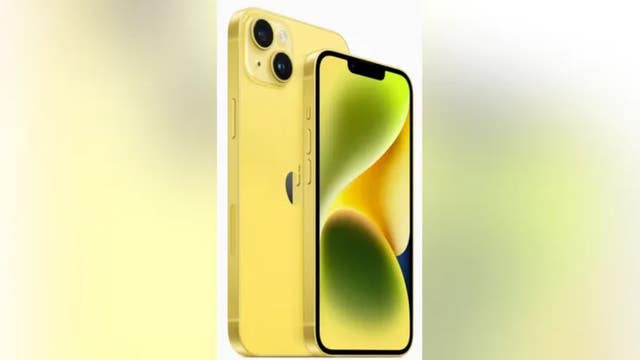

Apple introduces new bright yellow iPhone 14 lineup
Apple said these phones will have the longest battery life ever.
Apple said these phones will have the longest battery life ever.

Apple launching new streaming app for classical music lovers
Apple subscribers can enjoy more than five million classical songs on the new app starting March 28.
Apple subscribers can enjoy more than five million classical songs on the new app starting March 28.
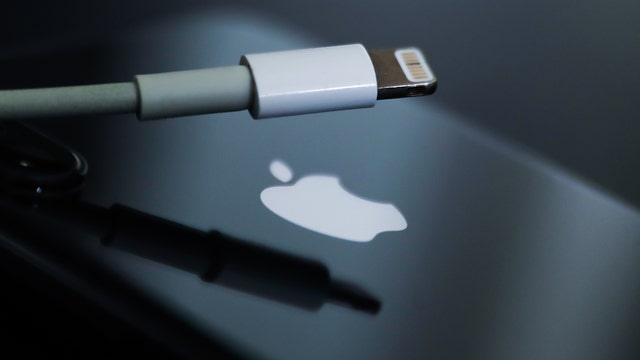

Apple iPhone's Clean Energy Charging causes stir on social media over battery charging times, 'shaming'
Users find slow charging times could be due to new mode that pulls power when clean energy is available in the grid.
Users find slow charging times could be due to new mode that pulls power when clean energy is available in the grid.
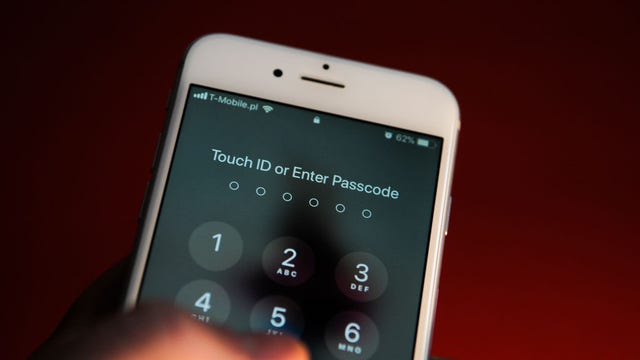

Apple iPhone thieves using simple trick to take everything, report finds
Bad actors who spied on a victim's passcode before stealing the Apple device can easily reset settings preventing its owner from accessing it.
Bad actors who spied on a victim's passcode before stealing the Apple device can easily reset settings preventing its owner from accessing it.
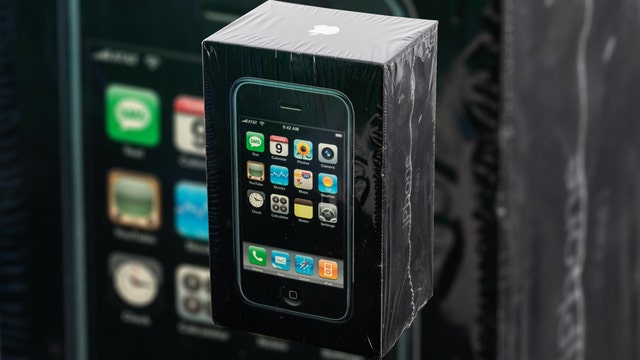

First-generation iPhone from 2007 sells for $63,000 at auction
The iPhone's original owner said she received it as a gift in 2007 but never opened the package since she had just gotten a new phone.
The iPhone's original owner said she received it as a gift in 2007 but never opened the package since she had just gotten a new phone.
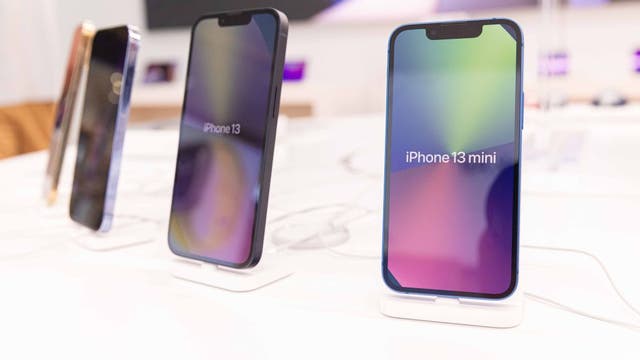

Apple software update released to fix important security issue
Apple update comes weeks after release of iOS 16.3.
Apple update comes weeks after release of iOS 16.3.


Watch: iPhone catches on fire while charging in Ohio family’s kitchen
Jennifer Leisgang said the device was an iPhone 4 and was charging using an original Apple charger.
Jennifer Leisgang said the device was an iPhone 4 and was charging using an original Apple charger.
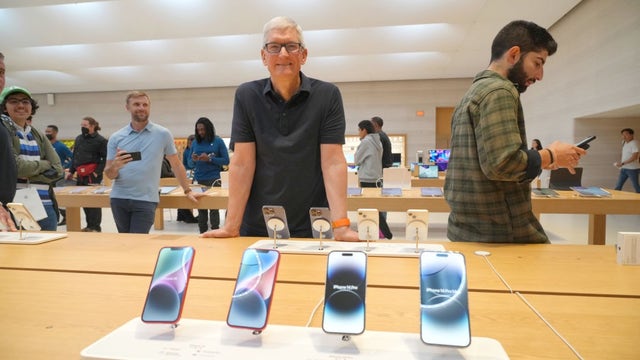

Apple CEO Tim Cook will take a 40% pay cut
Apple Inc. said in a regulatory filing that Cook’s target total compensation is $49 million for 2023.
Apple Inc. said in a regulatory filing that Cook’s target total compensation is $49 million for 2023.
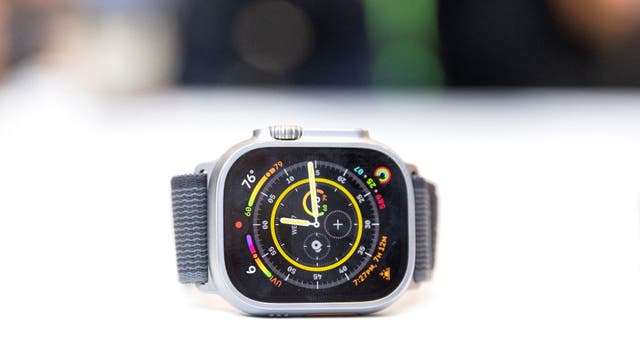

People sledding with Apple Watches is a problem. Here's why.
People who are sledding, skiing or snowboarding with an Apple Watch should check their settings.
People who are sledding, skiing or snowboarding with an Apple Watch should check their settings.
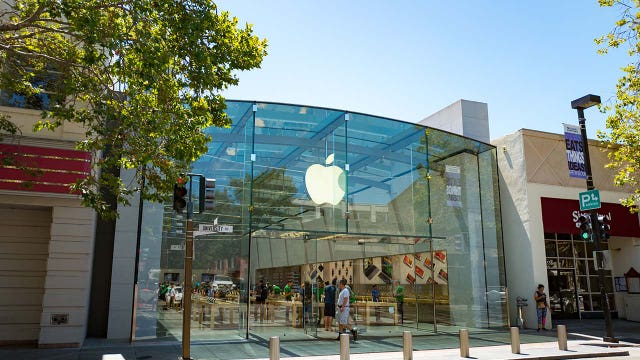

Video: California Apple store ransacked by thieves as staff warn customers not to stop them
A pair of masked bandits grabbed iPhones and other loot worth $35,000.
A pair of masked bandits grabbed iPhones and other loot worth $35,000.
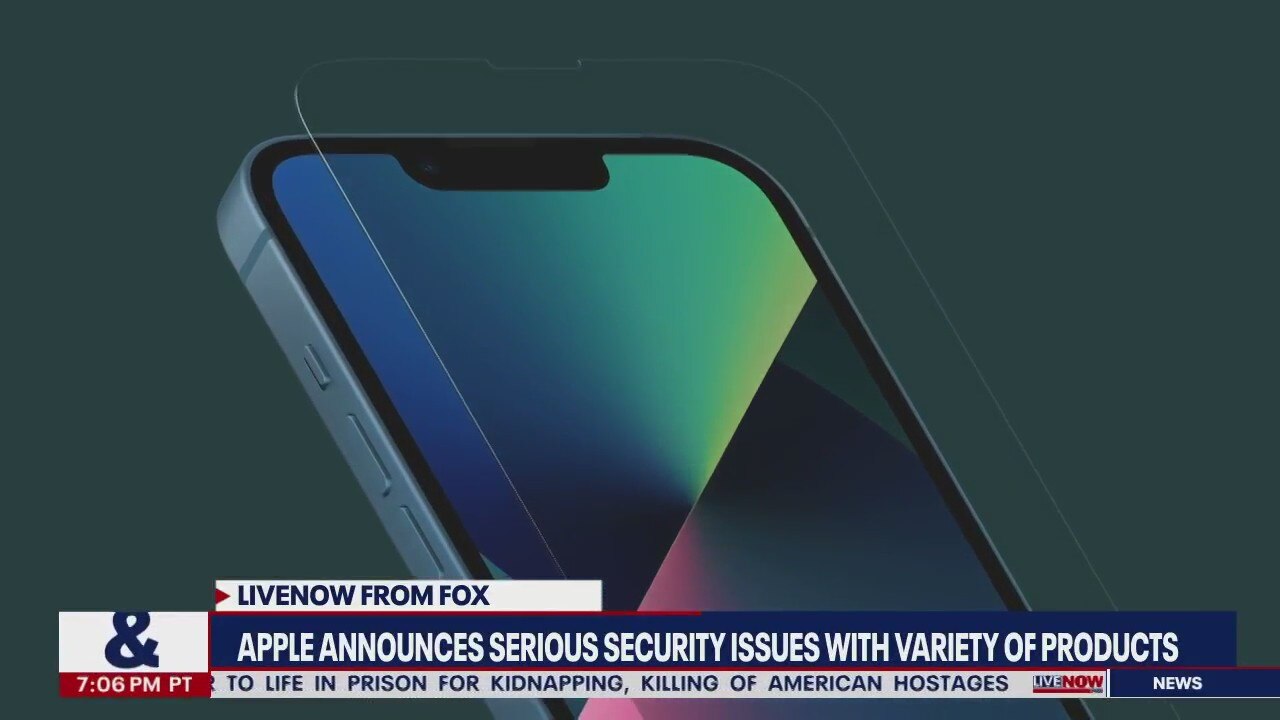
Apple security issue: update your iPhone, iPad & Mac now | LiveNOW from FOX
Apple is urging iPhone, iPad and Mac users to download the latest versions of iOS, iPadOS, macOS and Safari after the tech giant disclosed two security vulnerabilities that "may have been actively exploited." What are the issues? According to Apple, the first issue may cause an application to execute arbitrary code with "kernel privileges," which refers to a discrete right to perform an operation. Meanwhile, the second issue may cause WebKit, a layout engine designed to allow web browsers to render web pages, to process "maliciously crafted web content" that could lead to arbitrary code execution. The issues could allow a potential attacker to take complete control of the devices, according to the Cybersecurity and Infrastructure Security Agency. Which devices should be updated? The updates are available for the iPhone 6s and later, all models of the iPad Pro, the iPad Air 2 and later, the iPad 5th generation and later, the iPad Mini 4 and later, and the iPod Touch (7th generation). Updates are also available for Macs running OS Monterey, macOS Big Sur and macOS Catalina. The latest software versions are iOS 15.6.1 and iPadOS 15.6.1, MacOS Monterey 12.5.1 and Safari 15.6.1. How to update to the latest software version Apple users can update their iPhones and iPads by going to Settings > General > Software Update and their Macs by going to System Preferences > Software Update.
Apple is urging iPhone, iPad and Mac users to download the latest versions of iOS, iPadOS, macOS and Safari after the tech giant disclosed two security vulnerabilities that "may have been actively exploited." What are the issues? According to Apple, the first issue may cause an application to execute arbitrary code with "kernel privileges," which refers to a discrete right to perform an operation. Meanwhile, the second issue may cause WebKit, a layout engine designed to allow web browsers to render web pages, to process "maliciously crafted web content" that could lead to arbitrary code execution. The issues could allow a potential attacker to take complete control of the devices, according to the Cybersecurity and Infrastructure Security Agency. Which devices should be updated? The updates are available for the iPhone 6s and later, all models of the iPad Pro, the iPad Air 2 and later, the iPad 5th generation and later, the iPad Mini 4 and later, and the iPod Touch (7th generation). Updates are also available for Macs running OS Monterey, macOS Big Sur and macOS Catalina. The latest software versions are iOS 15.6.1 and iPadOS 15.6.1, MacOS Monterey 12.5.1 and Safari 15.6.1. How to update to the latest software version Apple users can update their iPhones and iPads by going to Settings > General > Software Update and their Macs by going to System Preferences > Software Update.

Facts you may not have known about Apple Inc.
Here are some interesting facts about the tech giant Apple Inc., including how the company got its name and who the original three founders were.
Here are some interesting facts about the tech giant Apple Inc., including how the company got its name and who the original three founders were.

Brands pledge support of Black Lives Matter movement
Several brands and celebrities have pledged donations in support of causes fighting for racial justice.
Several brands and celebrities have pledged donations in support of causes fighting for racial justice.

Apple announces multi-billion pledge to combat CA housing crisis
The company announced a $2.5 billion comprehensive plan to help address the housing availability and affordability problem in the state it calls home.
The company announced a $2.5 billion comprehensive plan to help address the housing availability and affordability problem in the state it calls home.

Apple warns of iOS 13 third-party keyboard bug
Apple discovered a bug that grants third-party keyboard extensions full access even when the user hasn?t specifically approved this access.
Apple discovered a bug that grants third-party keyboard extensions full access even when the user hasn?t specifically approved this access.

Apple's iPhone 11 officially hits store shelves
Apple CEO Tim Cook greeted crowds at Apple's flagship 5th Avenue store in New York City, ?which officially reopened? after more than two years of renovations.
Apple CEO Tim Cook greeted crowds at Apple's flagship 5th Avenue store in New York City, ?which officially reopened? after more than two years of renovations.